
Searching Cases by Name
Texas court data is available through the official re:SearchTX portal. Click Cases first, pick a party-name search, and type the most exact name you have. A broad name can pull hundreds of records. Narrow them by Dimmit County first. Then add the likely court, the case type, and the filing period. Check before opening Case Details. The case style, the court, and the filing date must all match.
- Identify the likely court level before opening the portal.
- Select Cases and a party-name search field, then enter the last name and first name as the live controls allow.
- Apply Dimmit County, court, type, status, or date filters that appear in the current interface.
- Sort and compare likely matches, then open Case Details for the docket, filings, or hearings.
- If no match appears, try the cause number and contact the correct clerk.
The versioned official guide documents these controls, but the live portal sometimes returns an access-denied message. Expect required marks and option names to differ from the guide.
| Field | Type | Required | Notes |
|---|---|---|---|
| Keyword Search | Text | Not visibly confirmed | General search term with search icon. |
| Search mode | Tab | No | Cases, Filings, Text in Documents, or Hearings. |
| Search By | Control | Depends on mode | Examples include party, cause number, attorney, and judge. |
| County and court | Filters | No | Narrow a result to Dimmit County and the owning court. |
| Sort by | Dropdown | No | Newest filed, oldest filed, or case number. |
Dimmit County Case Search Levels
Court level is the strongest first filter for any docket search. Felony, district civil, family, and juvenile matters belong to the Dimmit County District Clerk. Those cases may appear in re:SearchTX. Constitutional County Court criminal, civil, juvenile, probate, and mental-health files go elsewhere. They belong to the County Clerk instead. Justice cases stay with the assigned precinct. Carrizo Springs municipal cases sit with the city court and its separate violation route.
| Matter | First custodian or system | Search caution |
|---|---|---|
| District criminal, civil, family | District Clerk and re:SearchTX | The 293rd and 365th courts are regional. |
| County misdemeanor, probate, mental health | County Clerk and re:SearchTX | County Court is not a County Court at Law. |
| Small claims or Class C matter | Specific justice precinct | Dimmit precincts are grouped in four offices. |
| City ordinance or municipal offense | Carrizo Springs Municipal Court | A city payment search is not a county docket search. |
| Federal matter | Western District of Texas PACER | Federal records are outside re:SearchTX. |
This routing protects you from a false negative. One statewide search cannot replace each local clerk, especially where court records are old, restricted, or simply not integrated.
Searching by Case Number
"Cause number" and "case number" are the court identifier. Officials use the two terms for the same thing. Dimmit County follows no single public numbering pattern. So never invent a year or case-type code. Type the identifier exactly as it appears on the notice, pleading, order, citation, or clerk receipt: exact cause number from the court record. Keep the letters, leading zeros, hyphens, and spacing if the portal accepts them.
A number search beats a party name for precision. It also helps the clerk pull the right file fast. Pair the number with the court name, since similar strings can exist at different levels. If the portal rejects punctuation, follow its prompt. Then try the normalized form. A rejected format never means the record was erased.
Dimmit County Case Search Tabs
re:SearchTX splits searching into four tabs, each with its own job. Cases finds case headers. Filings targets indexed submissions. Text in Documents searches available document text. Hearings looks for event data when the local integration supplies it, so pick the tab that fits your task. A hearing query is a poor first move with only a case number in hand, while a Cases result may not show the text of an attachment.
- Cases
- Case-level results and access to Case Details.
- Filings
- Indexed submissions linked to matters when available.
- Text in Documents
- Searchable text from documents the system can expose.
- Hearings
- Dates and event details supplied by the participating court.
Your account status can affect exporting, saving, folders, alerts, sharing, filing, and document retrieval. Search visibility and document access are two separate layers.
What a Case Search Returns
A result row is a lead, not a certified record. Open the matching case, compare the public fields, and expect gaps in older or restricted matters.
| Cause number | The court identifier for the matter. |
|---|---|
| Case style | The public caption or party listing. |
| Case type | A category such as criminal, civil, family, probate, or juvenile. |
| Filing date | The initiation date supplied by the court. |
| Status | A broad state such as pending, disposed, dismissed, or appealed. |
| Court and officer | The location and judicial officer when supplied. |
| Activity | Dated filings, orders, notices, dispositions, and hearing entries. |
| Documents | Links, page counts, or fees when public and available. |
A "filed" entry only proves the clerk indexed an item. It does not show that a hearing occurred or that a party won. For those answers, use linked orders, judgments, event outcomes, or clerk confirmation.
Dimmit County Case Search Failures
When re:SearchTX returns nothing, check the basics in order. Spell the county "Dimmit," not "Dimmitt." The name came from Philip Dimmitt, but the county dropped the second "t." Run the exact cause number before trying a name. Drop any bad date or status filter. Confirm the court and clerk. An alternate public party spelling or a wildcard helps only when the live portal supports it.
Then ask why the file is missing. It may predate online coverage, be sealed or juvenile, belong to another court, or not yet have reached the statewide layer. For a city ticket, go to the city court. For a federal action, use PACER. A blank screen cannot prove the matter does not exist.
Search tip. Give the clerk the court, cause number or fragment, case style, type, and approximate filing year.
Statewide vs County Case Search
Dimmit County offers no separate public county case-search portal. re:SearchTX serves as the statewide public case-information layer, while the District Clerk, County Clerk, justice offices, and municipal court remain the local custody layer. The District Clerk runs internal Local Government Solutions software, which is a case-management clue, not a public search address.
| re:SearchTX | Dimmit County custodian |
|---|---|
| Searches participating Texas court data. | Confirms the original local file and court. |
| May show case details, filings, and hearings. | Handles copy, certification, and older-file questions. |
| Can have integration or access gaps. | Can explain whether a public record is held locally. |
| Some actions require sign-in or fees. | Uses office channels and applicable clerk fees. |
For district court records, call the District Clerk at (830) 876-4243. The 293rd court site also lists (830) 876-4246. For county-court custody, call the County Clerk at (830) 876-2323, option 5. Mail and counter access use published office addresses. Address discrepancies make a quick advance call wise. Written judicial-record requests may fall under Texas Rule of Judicial Administration 12. Ordinary case-copy requests should start with the clerk.
Dimmit County Case Search Counters
Walking into the right building beats guessing. Dimmit County clerks handle docket requests in person, by phone, or sometimes by mail, fax, or email, depending on the record type. The OCA directory lists both clerk offices at 103 N 5th Street in Carrizo Springs. Other county and court functions use 212 N 4th Street instead. Call ahead to confirm the entrance and current hours. The Texas Historical Commission courthouse marker record preserves the history of the Dimmit County courthouse site.
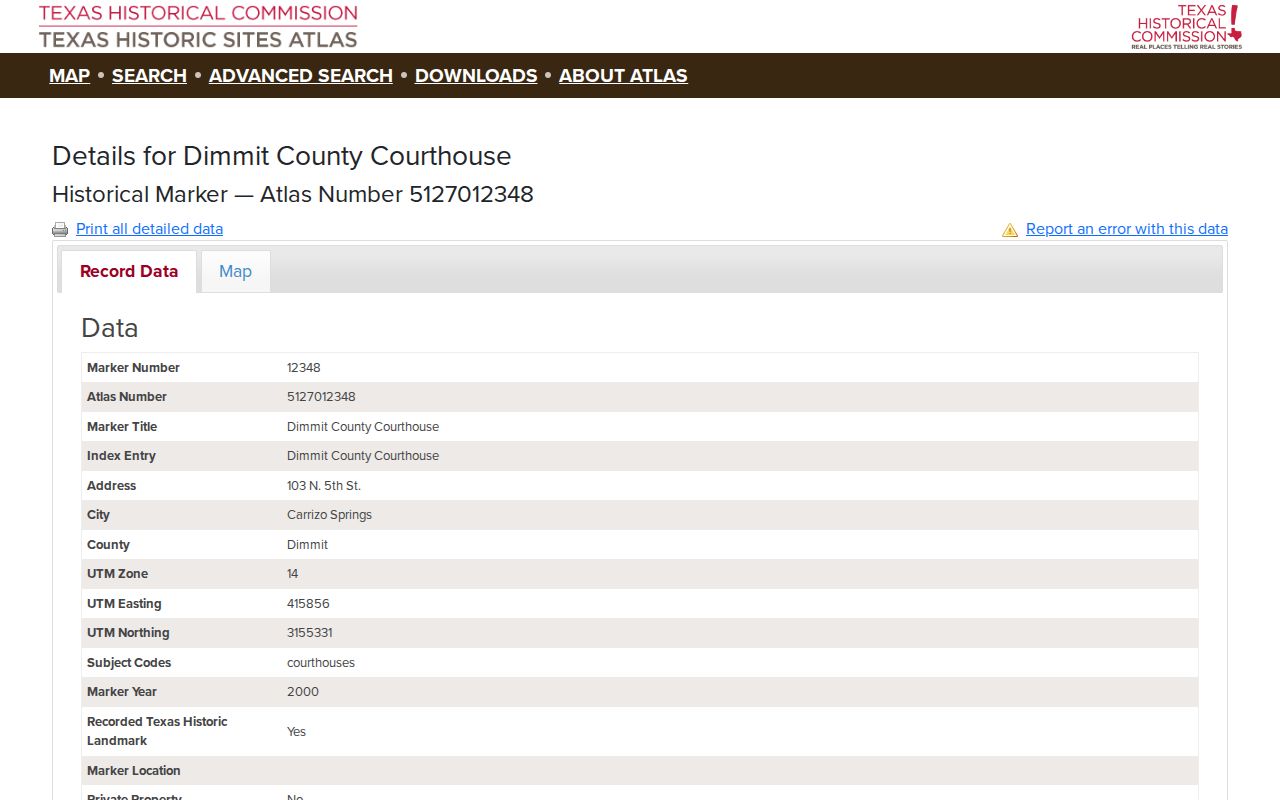
That marker is history. It is not a map of where files live today. It does not prove hearings or records sit at that address. Ask the clerk directly where a court docket is kept. Also ask whether a public terminal exists. The county publishes no terminal policy.
Dimmit County Federal Case Search
Federal matters do not appear on the Texas state docket map. Dimmit County sits in the Western District of Texas, San Antonio Division. For those cases, use PACER or the federal CM/ECF system rather than re:SearchTX. Accounts and search fields differ. Fees and custodians differ too. State and federal systems stay separate. The Western District official office-locations page names the San Antonio Division clerk channel.
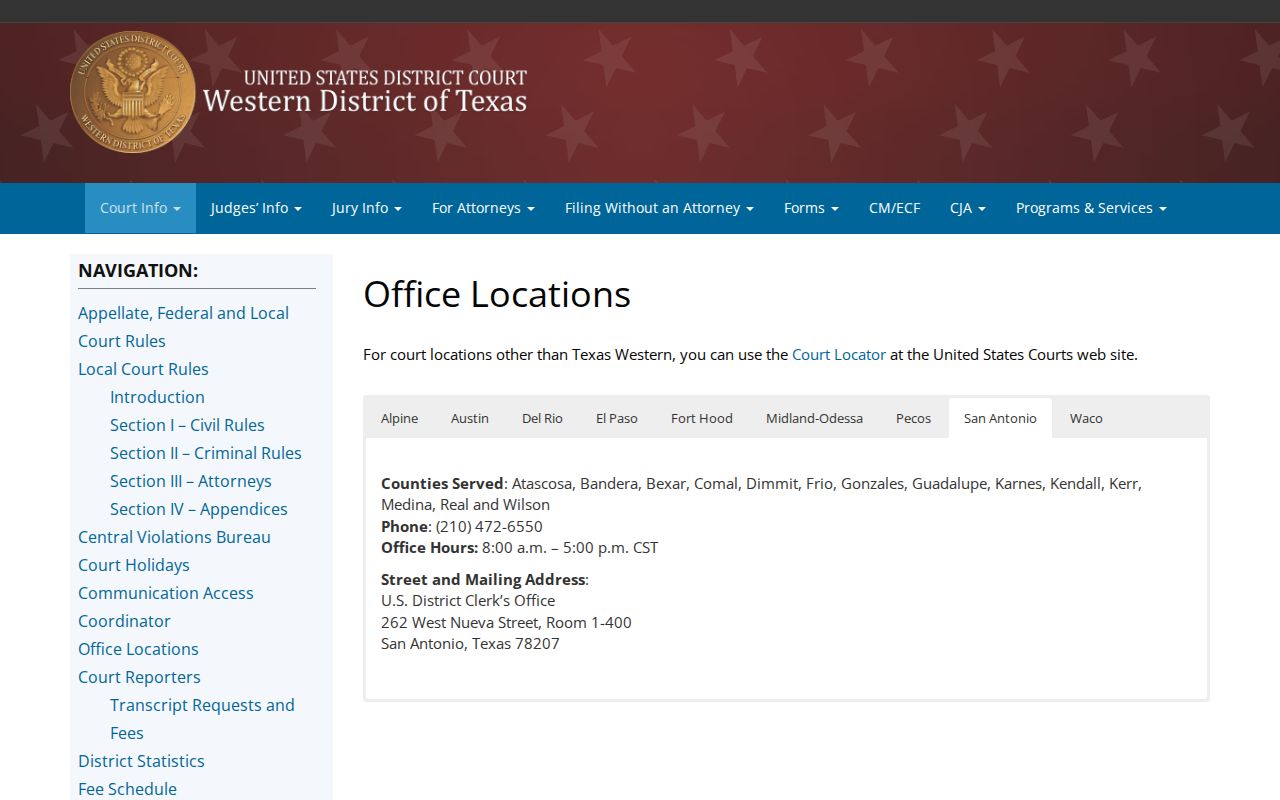
That federal clerk page confirms the right division route for federal cases. It will not help with a Dimmit County District Court, County Court, justice court, or municipal docket matter.
Access and Restricted Cases
Seeing a case online is not the same as having legal access to it. A public result can look open. It may show a cause number and status. Documents, attachments, party data, or even the entire matter can stay hidden. Many rules can restrict the view. Juvenile, adoption, and child-protection rules qualify. So do mental-health, sealed civil, expunction, nondisclosure, warrant, and protected-identifier rules. Texas Rule of Civil Procedure 76a covers sealed civil matters. Family Code Chapter 58 governs juvenile confidentiality. It also handles sealing.
When a record is withheld, ask. Request the public or redacted version of the specific item. If access is denied, request the legal basis and any review route. Rule 12 requests must describe judicial records in enough detail. They must go to the proper custodian. But Rule 12 does not replace an ordinary clerk request for a docket or copy. County administrative records outside the judiciary may fall under the Texas Public Information Act instead. Never read innocence, guilt, dismissal, or erasure into a partial result.
A restricted document and a restricted case are two different things. The public header can stay visible while an exhibit is withheld or redacted. Name the exact filing or date range you need. Ask for the public version and keep any written denial. If the clerk points to the judge or court as the Rule 12 custodian, send the focused request there. Follow the stated appeal process.